Three iPhone app blockers are completely free with no subscription: Apple's built-in Screen Time, ScreenZen and Foqos. Brick has no subscription either, but it needs a $59 device. one sec, Opal, Jomo, Freedom and RepUnlock are freemium: the free tier works but is capped, and for most of them the strict mode costs money.
“Free” means very different things across these apps, from everything included to one app only. Below is exactly what each free tier gets you and, just as important, how you get out of a block without paying. Prices and limits were checked on each app's own pricing page and its US App Store listing on October 20, 2026.
Disclosure
Key takeaways
- Fully free: Apple Screen Time, ScreenZen and Foqos. No subscription, ever.
- In freemium apps, the strict mode is almost always the paid part: Opal's Hard Mode, Jomo's Strict Mode, Freedom's Locked Mode.
- The closest free alternative to Opal is ScreenZen. Opal's pricing page lists one rule on its free plan.
Free app blockers for iPhone compared
| App | Free? | What free gets you | Paid | How you get out |
|---|---|---|---|---|
| Apple Screen Time | Fully free | Category Time Allowances, schedules, website blocking | Built into iOS | Screen Time passcode |
| ScreenZen | Fully free | Wait timers, app and open limits, strict blocks, lock mode | Optional tips only | Wait timer, then choose |
| Foqos | Fully free | Block profiles ended by an NFC tag or QR code | Optional tips only | Scan the tag or code |
| Brick | No subscription | Full app once you own the device | $59 device, once | Tap the Brick, or 5 emergency unbricks |
| one sec | Freemium | Breathing pause on 1 app | $19.99/yr or $99.99 lifetime | Breathe, then continue |
| Opal | Freemium | 1 rule (schedule, time or open limit) | $99.99/yr | End the session or take a break |
| Jomo | Freemium | 1 session, 1 limit, 1 budget | $29.99/yr or $99.99 once | Wait, type or passcode |
| Freedom | Freemium | Start Now sessions up to 2 hours | $8.99/mo or about $40/yr | End the session |
| RepUnlock | Freemium | App blocking and exercise unlocks | Optional Pro, from $4.99 | Do the reps |
Completely free app blockers (no subscription)
Apple Screen Time
Screen Time is already on your iPhone and costs nothing. On iOS 27 it works with Time Allowances per category, such as Social Media or Games, and a Screen Time Schedule that decides which hours each category is available (Apple). It can also block websites in Safari through Content & Privacy Restrictions.
The catch: on iOS 27 allowances are set per category, so per-app control is limited. And the whole thing is only as strong as the Screen Time passcode. If you know it, you will use it. For a full walkthrough see how to limit screen time on iPhone.
ScreenZen
ScreenZen is the strongest fully free option, and the one most often recommended when people ask for a free Opal. Its site says plainly: “Do I have to pay to use ScreenZen? No. ScreenZen is completely free,” funded by optional donations (ScreenZen). It holds a 4.9 average from more than 52,000 ratings on the US App Store.
It works mainly through friction: a wait screen before an app opens, daily goals per app, limits on how many times you open something, and optional strict blocks by time range. A lock mode is designed to close common loopholes. The catch: by default, once the wait is over you can still choose to open the app. It slows you down more than it stops you, unless you set up strict blocks.
Foqos
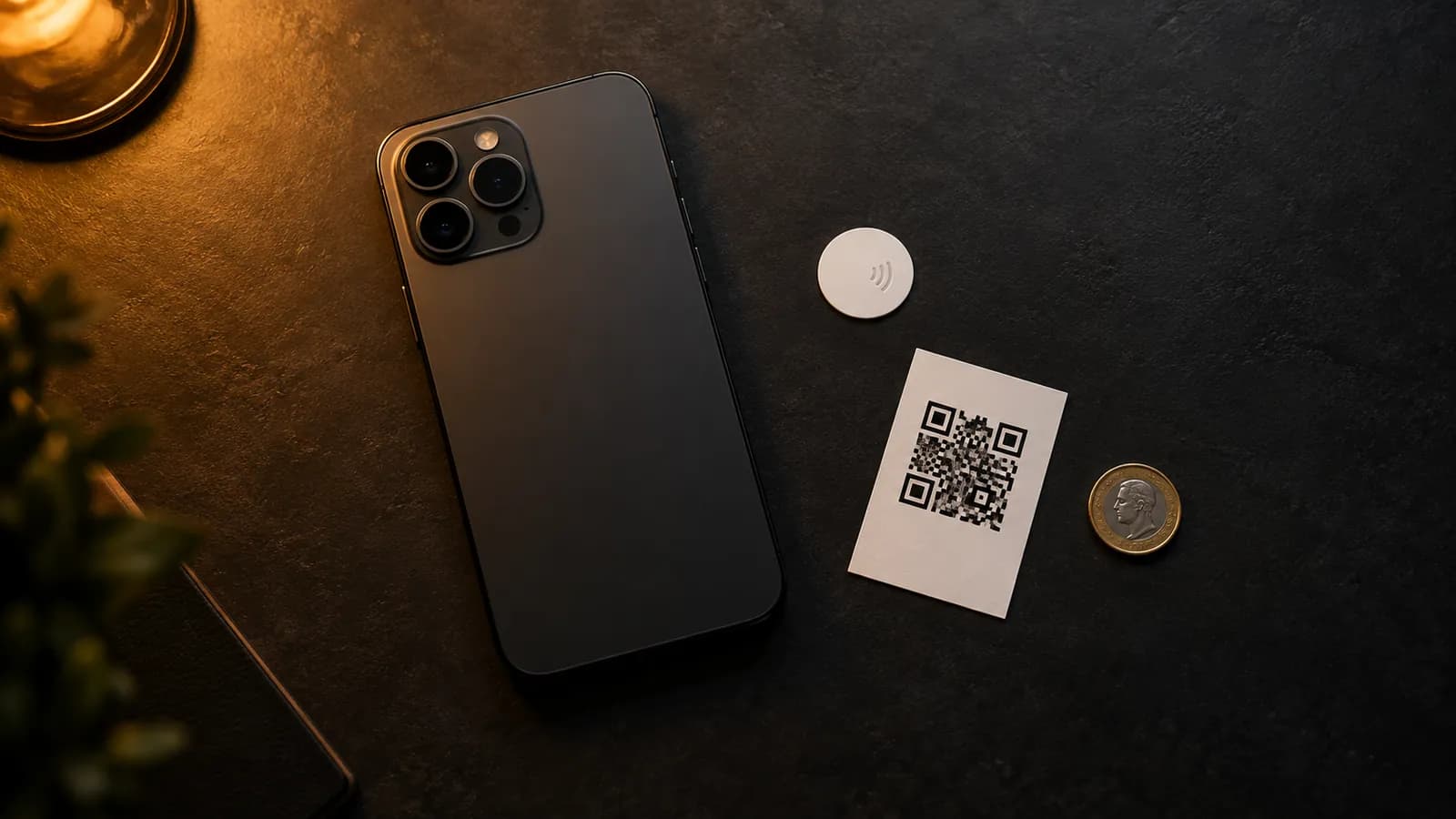
Foqos is free and open source: no account, no tracking, no ads and no subscription, according to its public code repository (GitHub). You create a blocking profile and end it by scanning a specific NFC tag or QR code, which you can leave in another room. It is the free way to get what Brick sells: a block you physically have to walk to end.
The catch: you need an NFC sticker or a printed QR code, and the current version requires iOS 17.6 or later. Profiles can also be stopped manually unless you restrict them to the tag.
No subscription, but not free: Brick
Brick is a $59 magnetic device. You tap your phone on it to start a block and tap again to end it. There is no subscription and the companion app is included (Brick). Five emergency unbricks are included if you are away from the device. It is a one-time cost rather than a free app, and the app isn't useful without the hardware. If you want the same idea for free, use Foqos with a cheap NFC sticker.
Freemium app blockers: what the free tier really includes
one sec
one sec puts a breathing exercise in front of an app before it opens. The free version covers one app; more apps, website blocking and strict block sessions need one sec pro (one sec). Pro costs $19.99 a year or $99.99 lifetime on the US App Store. If one app is your whole problem, the free tier is a real option. I compare it in detail in one sec vs RepUnlock.
Opal
Opal's pricing page lists a “Free, forever” plan with app blocking and 1 rule (a schedule, time limit or open limit) (Opal). Unlimited rules and Hard Mode, the setting where “you can't turn Opal off,” are Pro, at $99.99 a year. Opal's older help pages describe a slightly larger free tier, so check in the app. Either way, the free plan can be ended when you want, which is exactly what Hard Mode exists to prevent. More in Opal vs RepUnlock.
Jomo
Jomo's free plan includes one session, one action or limit and one screen time budget, plus reports and group challenges (Squads). Strict Mode, which makes rules unbreakable, is part of Plus at $29.99 a year or $99.99 once (Jomo). In the free tier, unlocking means waiting, typing a phrase or entering a password.
Freedom
Freedom now has a $0 plan, even though many reviews still say it is trial only. Free accounts can block apps and websites with Start Now sessions up to 2 hours. Scheduled and recurring sessions and Locked Mode are Premium (Freedom). It is useful for a single focus block, not for an always-on limit.
RepUnlock
RepUnlock blocks the apps you pick and unlocks them only when you exercise: the front camera counts push-ups, squats and other reps on your phone, and the reps buy minutes. Blocking and exercise unlocks work on the free tier. An optional Pro subscription (from $4.99 on the App Store) adds Screen Time stats, weekly progress, records, leaderboards and the social features, and the app shows an upgrade screen from time to time. The exit is the reps themselves, which is the point: there is no passcode to type and no timer to wait out.
Which free app blocker should you use?
- You want something free and done in two minutes: Apple Screen Time, with a passcode a friend sets.
- You want a free Opal: ScreenZen.
- You want a block you have to physically walk to end, for free: Foqos with an NFC sticker.
- Only one app is the problem: one sec's free tier.
- You always talk yourself past limits: an exit that costs effort, like an exercise gate, works better than one that costs a tap.
The pattern across every free tier is the same: blocking is free, but not being able to undo the block is what you pay for. If you have never bypassed your own limit, a free blocker is all you need. If you have, the deciding question is what it takes to get out, which is how I ranked them in app blockers ranked by bypass resistance. The exercise-based options are compared in apps that block your phone until you exercise.
Free blockers end in a tap. RepUnlock's ends in a set of reps, and Volt, its battery mascot, only fills up when you move.
Get RepUnlock